Photo magnet$12 each
Choose a photo for each copy.
Quantity
Magic Glow Studio
Your approved photo is shown in all nine backgrounds. All nine digital photos are included. Choose one background for each printed photo and personalized keepsake. You can use the same background more than once.
Ask the capture attendant to load your approved photo before choosing your package photos.
Select a finished photo below. Select a different product card to change its photo.
Select as many as you want. Choose one photo for each selected item.
Choose a photo for each copy.
Choose a photo for each copy.
Choose a photo for each copy.
Choose a photo for each copy.
Choose a design and name for each plate. No session photo is needed.
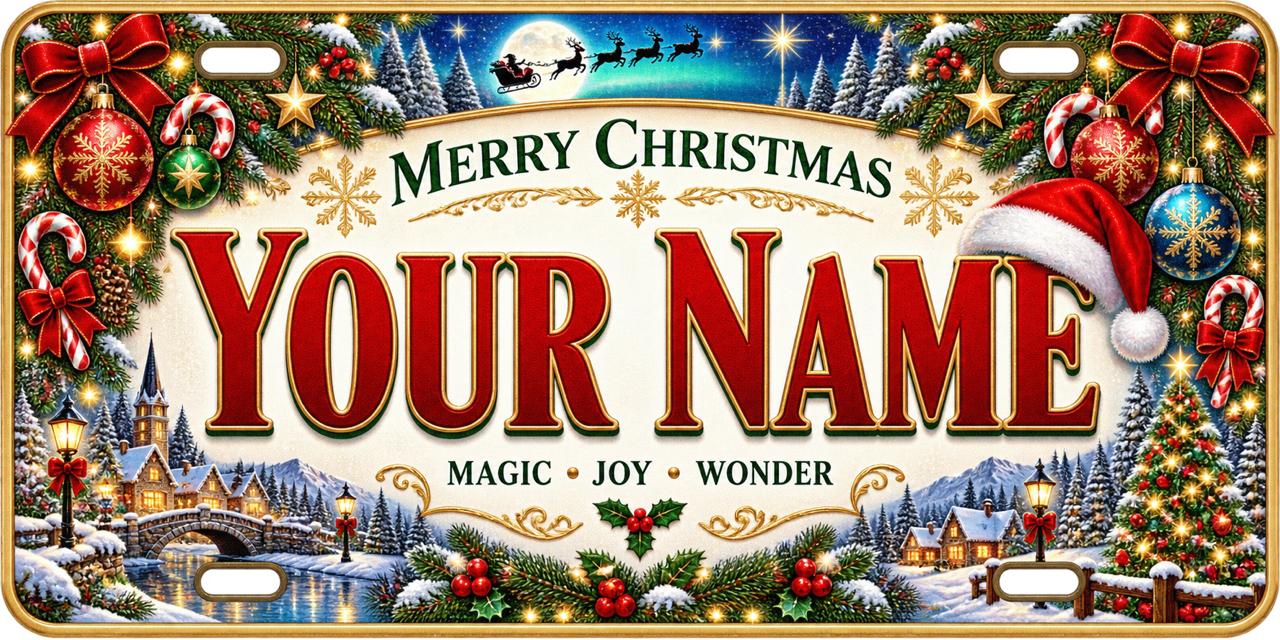
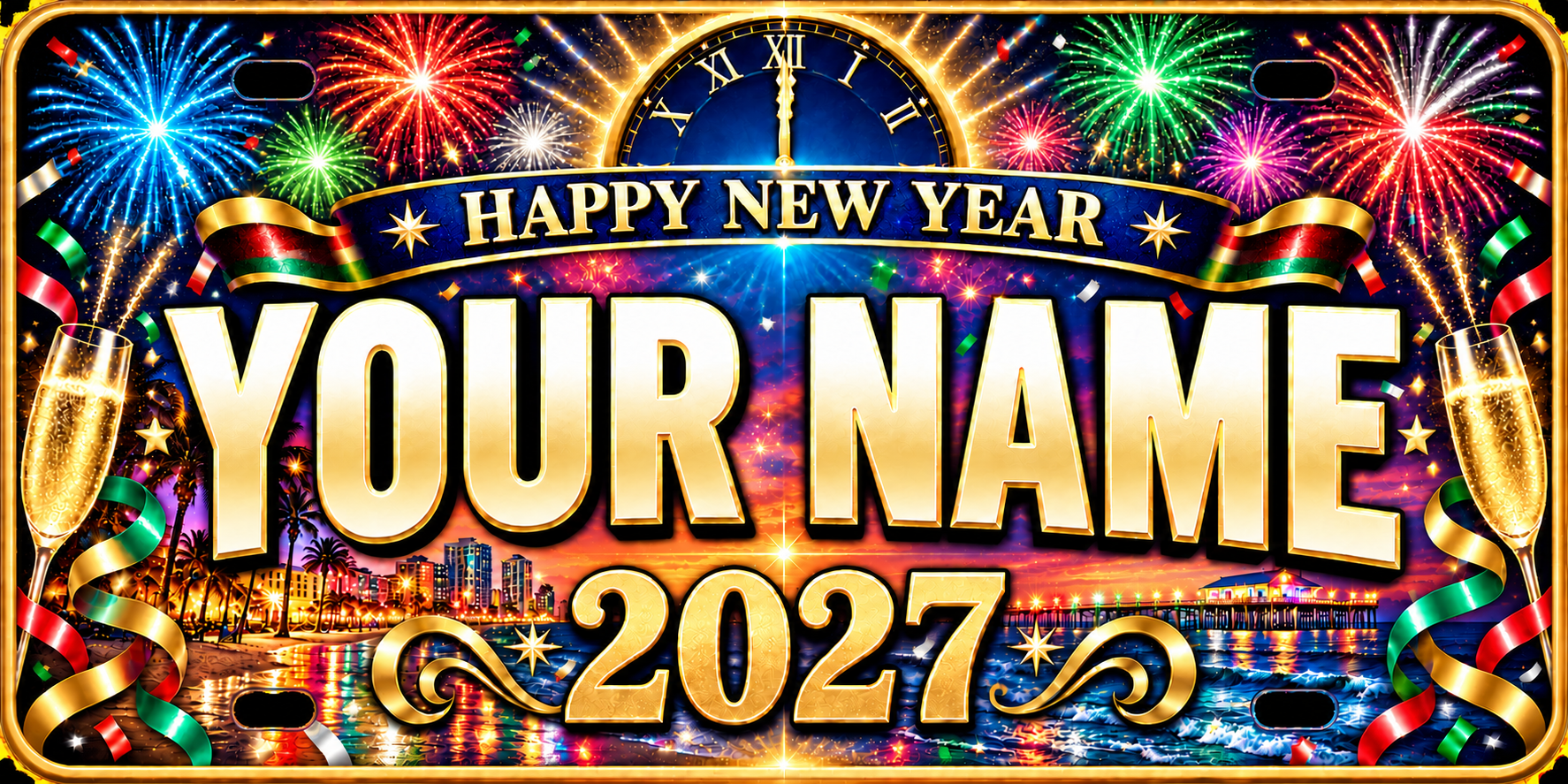
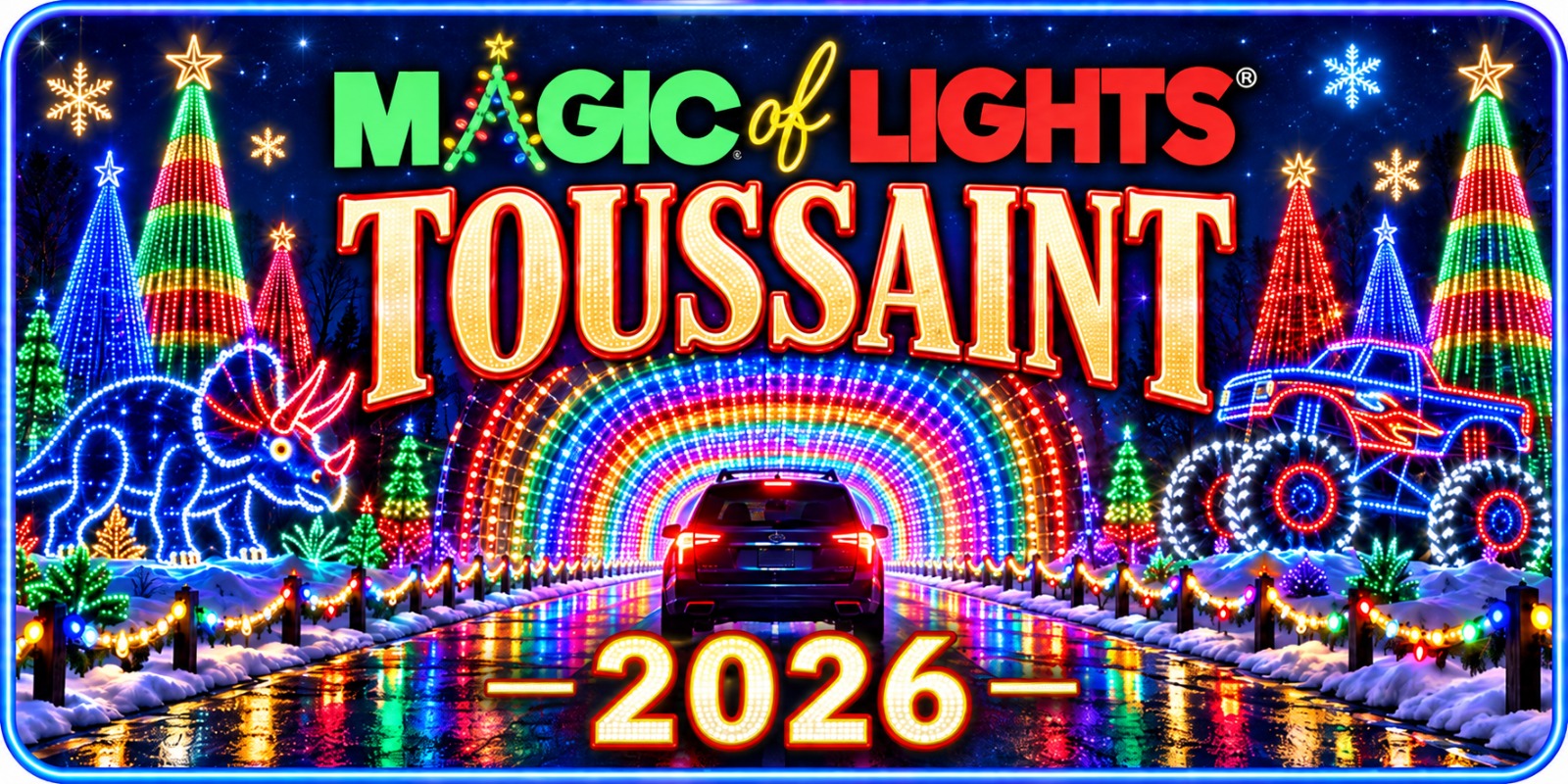
Images show sample lettering. Each requested name is saved with its design.
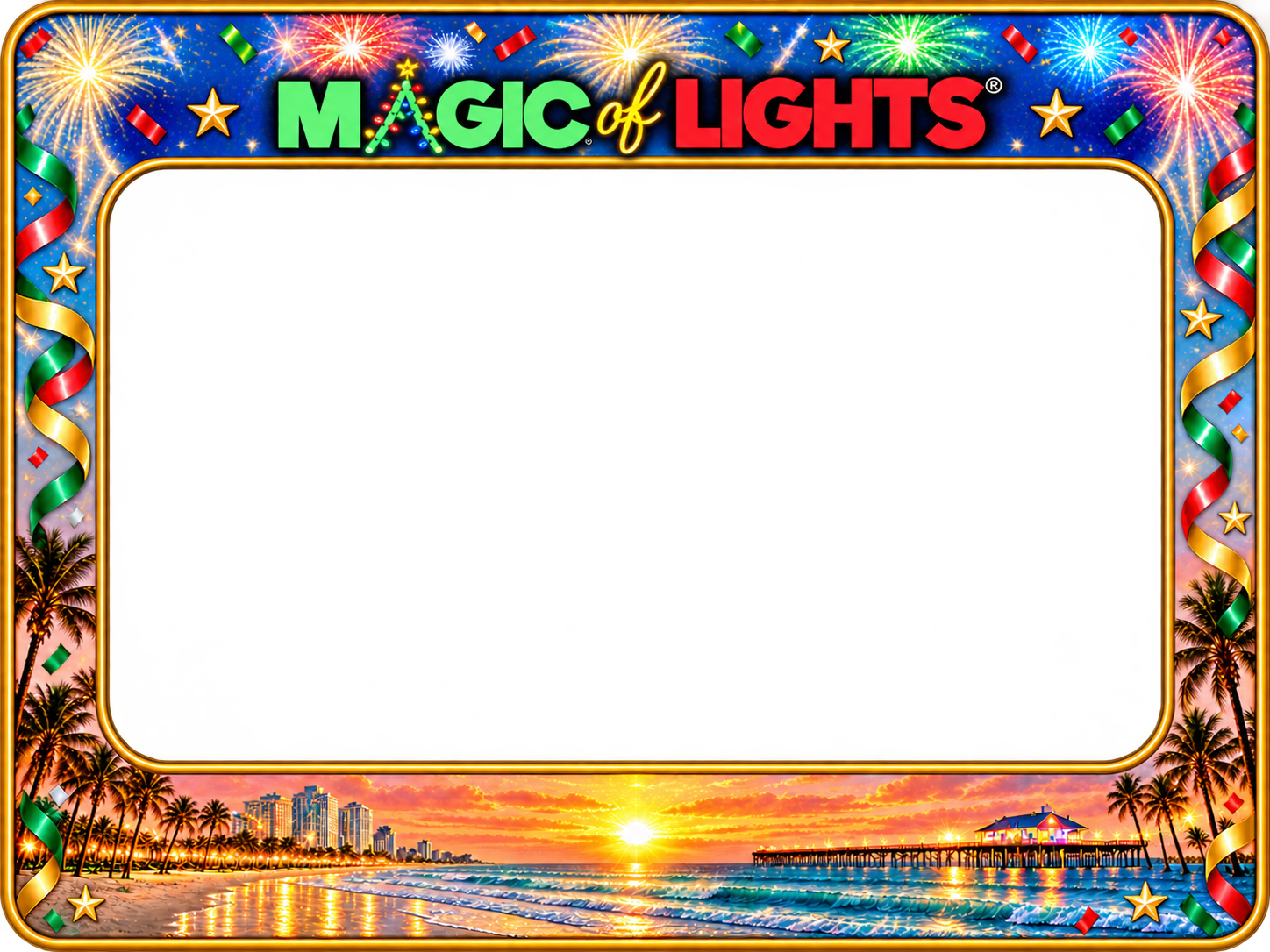
Magic of Lights frame for a 6×8 in. photo.
One complete set: Santa’s Workshop, North Pole, and Santa’s Sleigh. Available as a package of three only; ornaments are not sold individually.
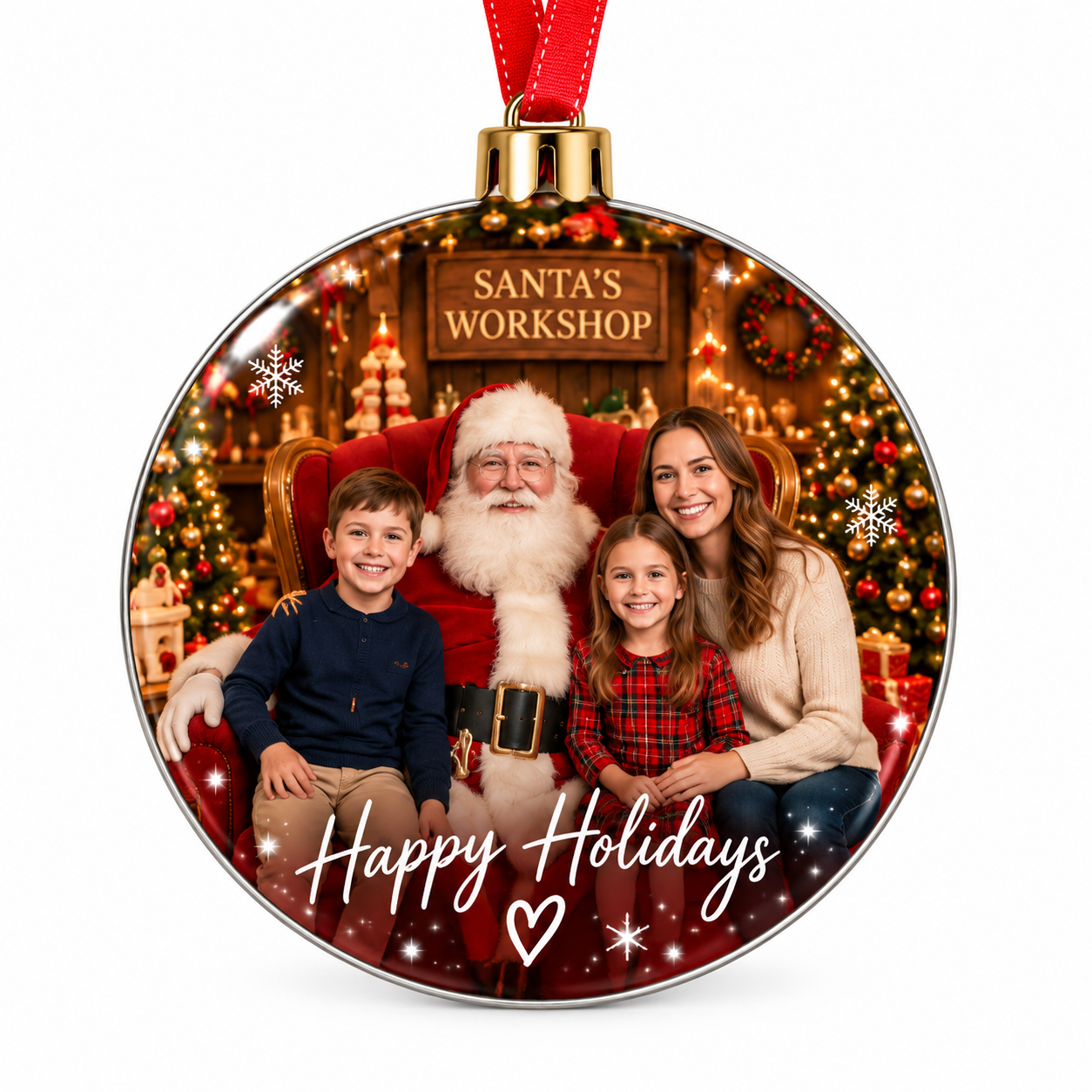
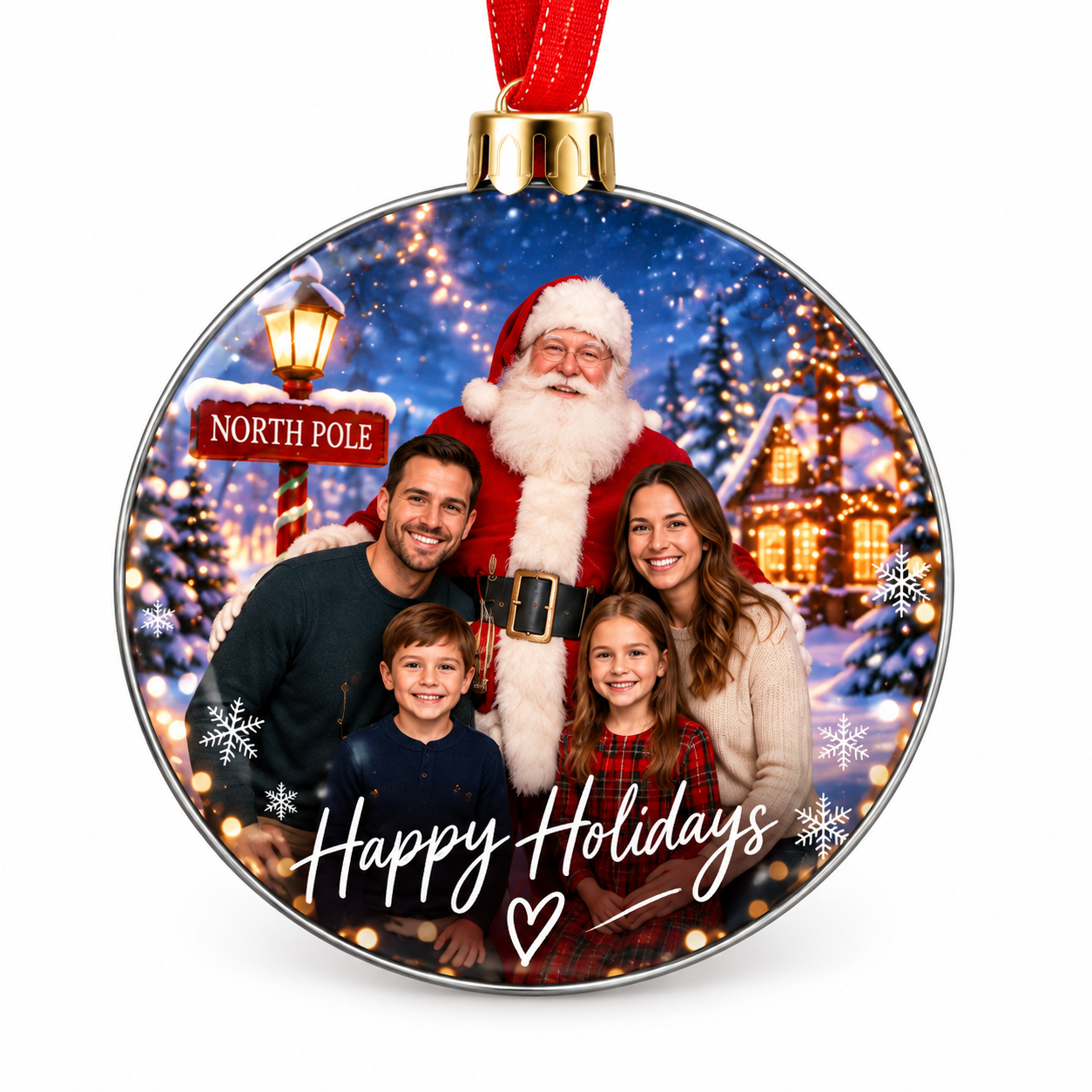
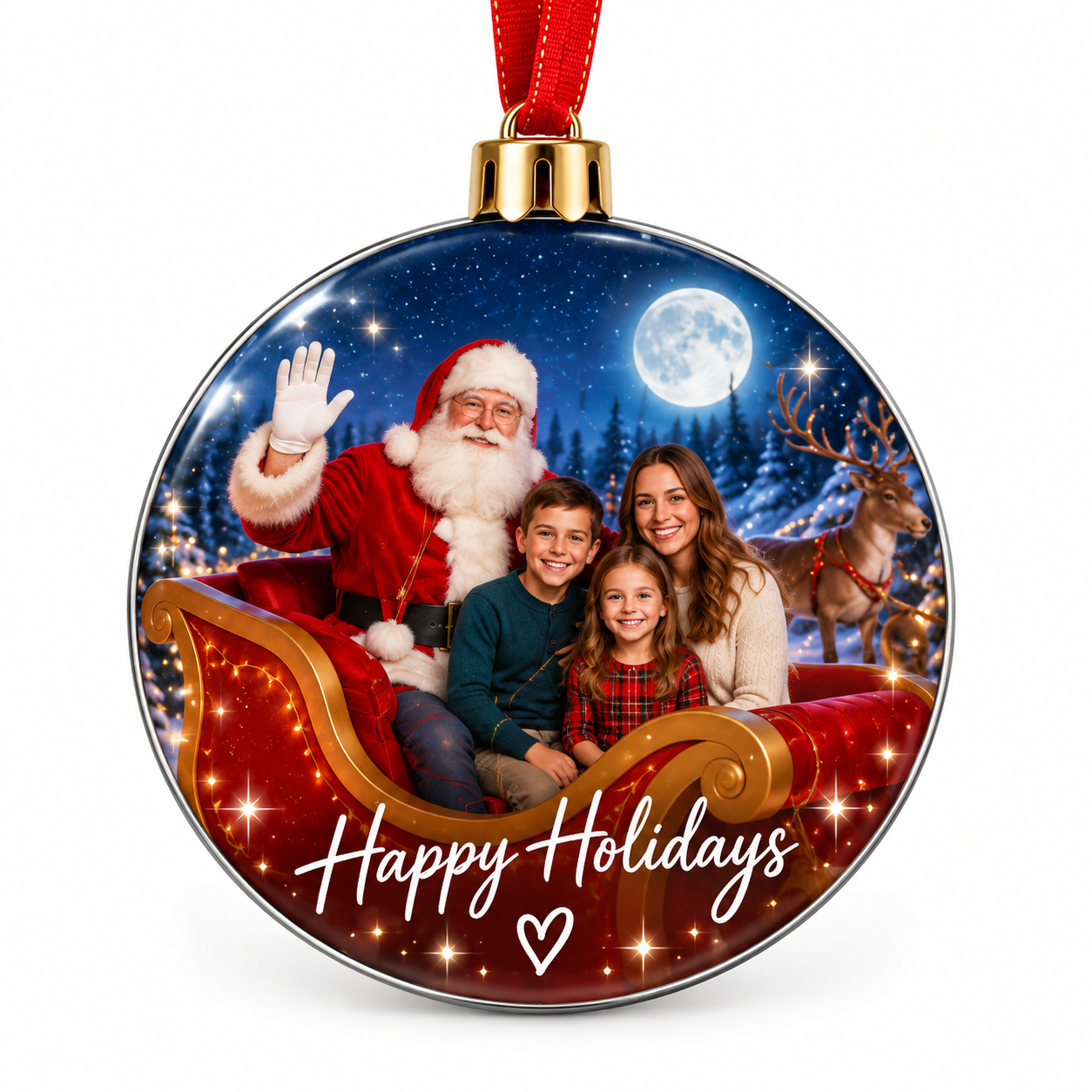
Available with or without a photo package. Design samples shown. No digital photos or prints are included with this souvenir set.
Looping demonstration using our Santa sleigh artwork. This is not the final personalized AI video.
Choose one karaoke option. Video delivery uses the same email as your photo order.
Check the photo chosen for every print and keepsake before placing your order.
Still needed: Package print 1.